
Transform operations with Dynamics 365 Field Service
Give your team a single, reliable way to plan, deliver and improve onsite service. Dynamics 365 Field Service, implemented by XPLUS, connects scheduling, assets and workflows so you stay in control, not in firefighting mode.
Operational control
Real-time visibility
Confident decisions

The Problem
Losing time, money and control due to disconnected systems and inefficient processes?
Fragmented tools and manual tasks slow people down, increase operational costs and make it harder to deliver consistent service. Missed appointments, poor resource allocation and limited asset visibility often lead to customer frustration and lost revenue.
Benefits
Unleash the power of Microsoft Dynamics 365 Field Service with XPLUS
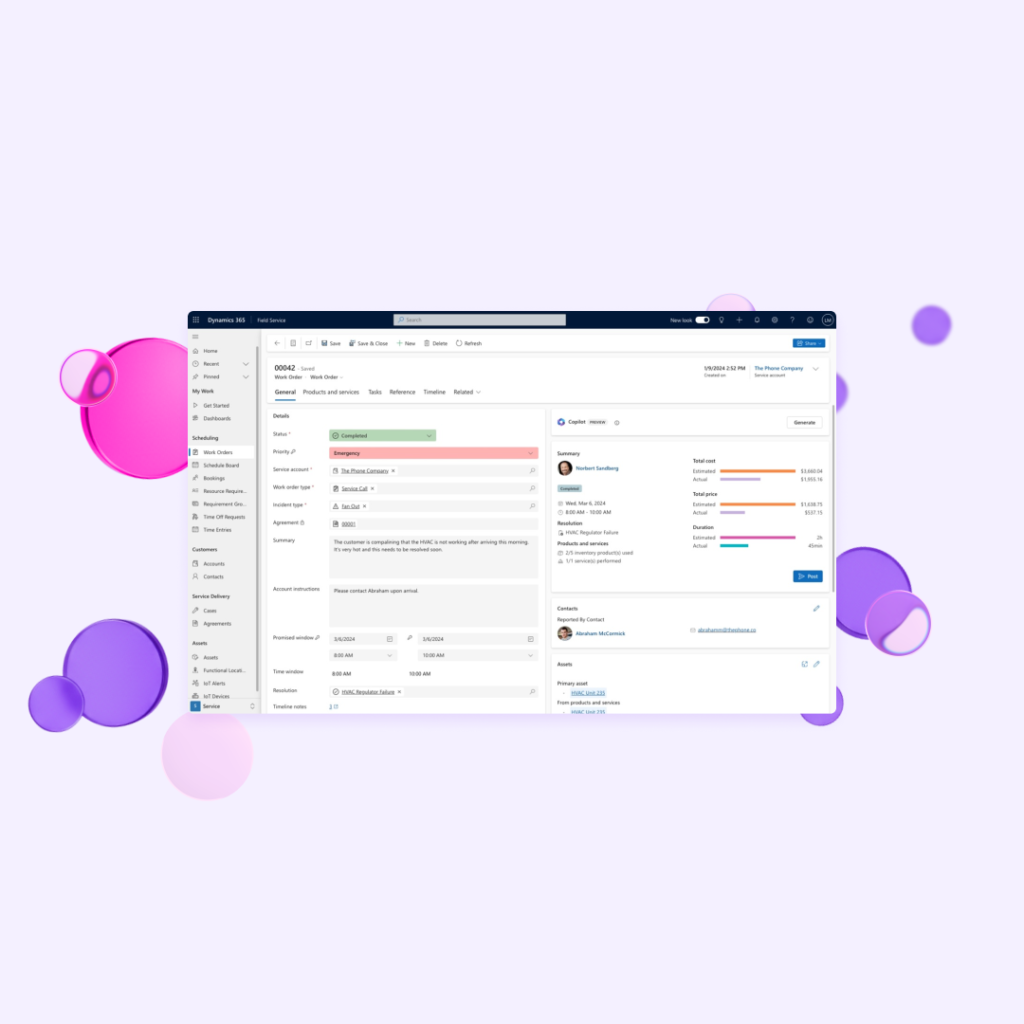
Connect scheduling, work orders, assets and service history in one place. With automation, AI assistance and real time insights, teams gain the clarity and control needed to deliver exceptional service.
Intelligent scheduling
Use AI driven scheduling, skill matching and real time availability to cut travel time, improve utilisation and hit every service level.
Connected asset visibility
Give your team trusted asset histories, documentation and warranties at their fingertips so they diagnose issues faster and avoid repeat visits.
Higher first time fix
Predictive maintenance
Streamlined work orders
Automate work order creation, updates and approvals so every job is tracked from call intake to sign off with minimal manual effort.
An empowered team
Equip field teams with mobile tools that work offline, integrate with Teams and surface next best actions at the point of service.
Transparent communication
Send real time updates, appointment reminders and technician tracking links that reassure customers, reduce inbound status calls and build long term trust.
Clear operational visibility
Monitor utilisation, SLA performance and repeat visits in clear dashboards so leaders act quickly, control costs and continuously improve service quality.

Resource
Dynamics 365 vs. Business Central. What is the difference?
Testimonials
"We were impressed with the technology from XPLUS SA and excited to incorporate it within the ERP portfolio of Microsoft Dynamics 365 to deliver robust governance, efficient user management, and cost-effective licensing strategies for our customers."

Contact us
Your partner in all things Dynamics 365
XPLUS is the only organization to combine hands-on Dynamics 365 implementation projects with automated tools for testing, security, and observability. Contact our team to find out what we can do for you.